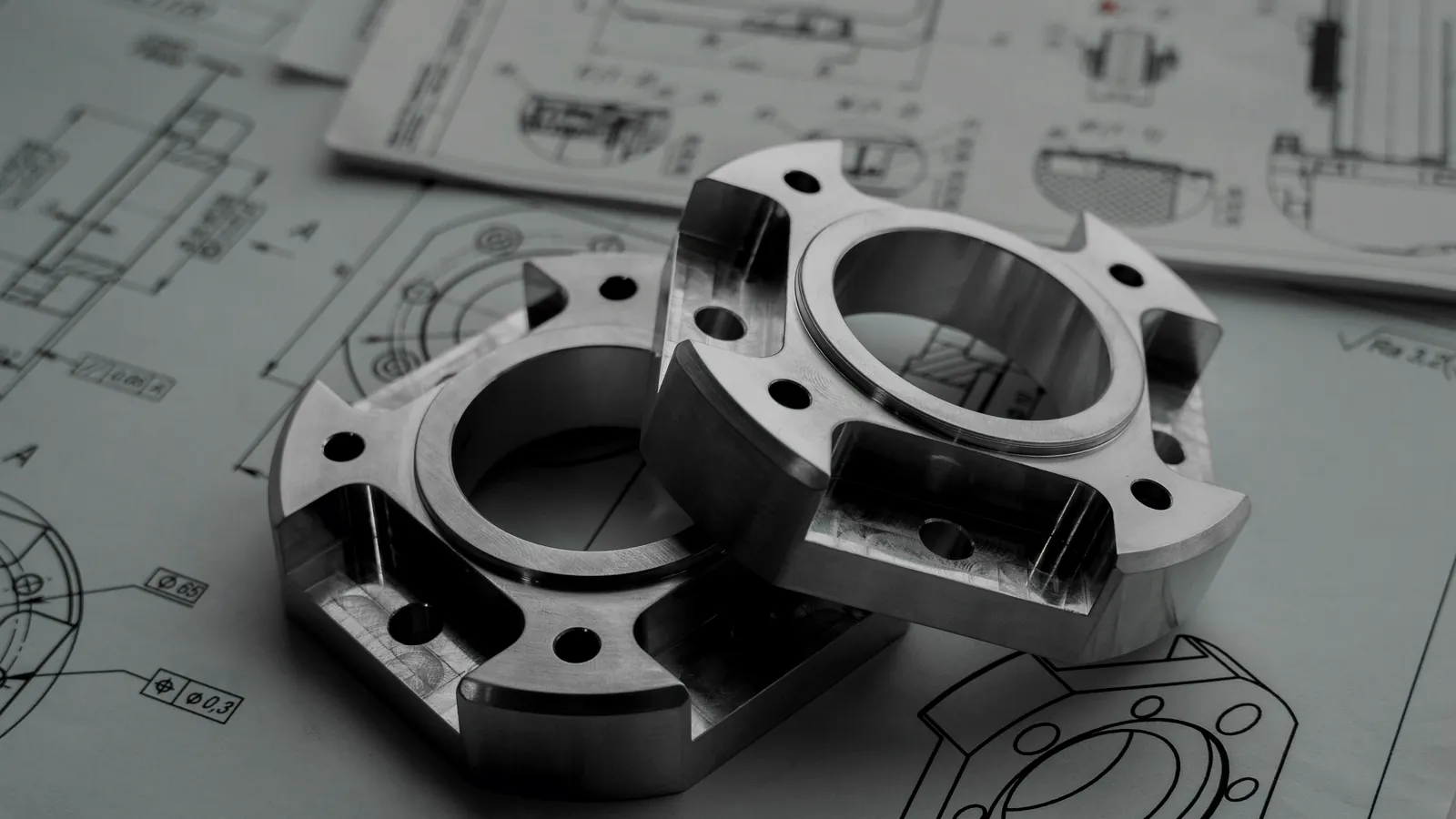
Engineering documents and mechanical parts used as RFQ evidence

Buyer tool

RFQ evidence checklist for marine engine-room spare parts supply.

Choose the equipment category and mark the evidence you already have. The checklist helps you see what is ready, what may need clarification and what to include before sending the RFQ to a marine spare parts supplier.

Evidence readiness only

Prepare the request before supplier outreach.

This tool does not confirm compatibility, availability, price, approval or delivery. It only helps prepare a clearer evidence package for the first RFQ review.

  • Use it before sending: choose the category, mark available evidence and copy the summary if helpful.
  • Keep sensitive context out: do not enter vessel names, IMO numbers, buyer contacts, private prices or other personal or confidential data.
  • Send the real RFQ separately: use the RFQ form or email the Vessel Core supply desk when ready.

RFQ evidence checklist

Mark the evidence already available.

Use general categories only. The summary is meant to guide your RFQ preparation, not to collect private vessel or commercial data.

Identity evidence

Technical context

Commercial context

Browser-only buyer workspace

Build a line-item worksheet before you send the RFQ.

Structure up to 20 requested items, then copy a tabular summary, download a spreadsheet-compatible CSV or print the worksheet for your records.

Local to this page

The values you enter are not sent to Vessel Core, the RFQ form, analytics or a server. They disappear when you clear or reload the page unless you explicitly copy, download or print them.

RFQ line-item preparation worksheet. Buyer-entered information is not checked, approved or sent by this tool.
Maker Model / type Serial / tag Part / reference Description Qty Unit Available evidence Buyer preference Actions

Next step

Ready enough to start? Send the RFQ with the evidence you have.

Photos, nameplates, drawings and part-book pages can be sent by replying to the confirmation email after the RFQ form is submitted.

01 Prepare evidence

Use the checklist to identify missing category, identity, technical or timing context.

02 Send RFQ

Use the RFQ form for the request summary or email the supply desk directly.

03 Reply with files

Send photos, nameplates, drawings and part-book pages by replying to the confirmation email.

04 Route review

OEM, verified alternative or clarification route is reviewed according to evidence quality.